How to Reconcile M-Pesa Payments for Your Small Business (Manual vs. Automated)
Admin User
Author
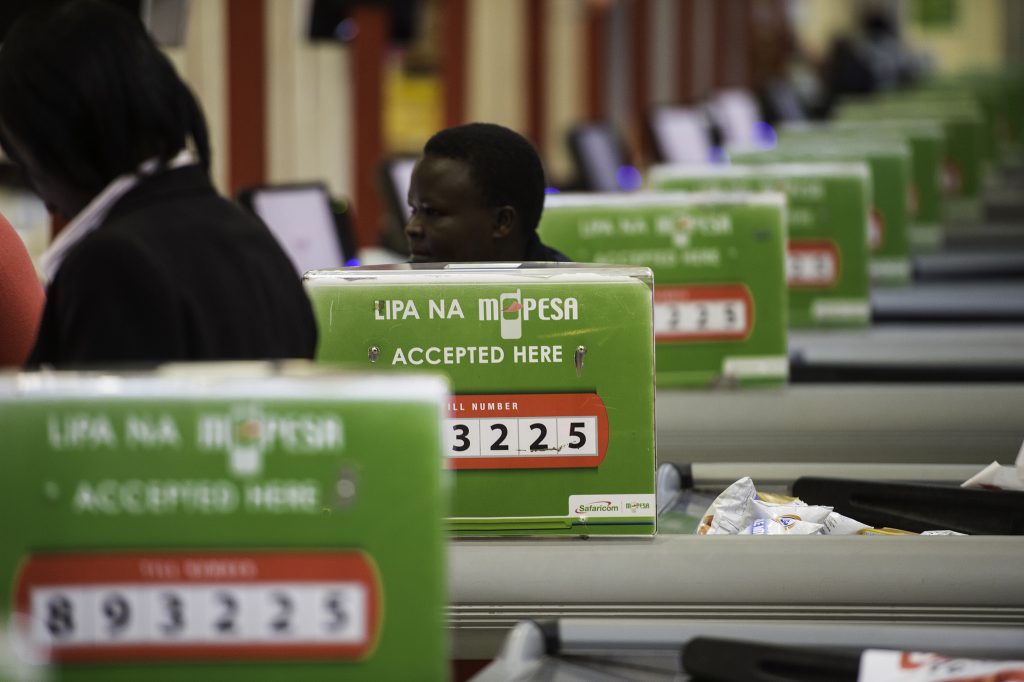
If you run a business in Kenya, the familiar “ting” of an M-Pesa message is the sound of success. Lipa na M-Pesa has revolutionized how we do business, making it incredibly easy for customers to pay for goods and services.
But while collecting the money is easy, accounting for it is a different story.
If you’ve ever found yourself sitting at your desk late at night, staring blankly at a Safaricom M-Pesa statement and trying to match it to a pile of receipts or a messy Excel sheet, you know exactly how frustrating reconciliation can be.
In this guide, we’ll break down why proper M-Pesa reconciliation is vital, how to do it manually, and—most importantly—how you can completely automate the process so you never have to match a transaction ID by hand again.
Why Reconciling M-Pesa is Crucial (But Difficult)
Reconciliation simply means ensuring that the money shown in your M-Pesa account matches the actual sales you made. Skipping this step is dangerous for your business for three main reasons:
-
Preventing Fraud and "Leakage": If you aren't strictly tracking payments, it is very easy for cashiers to claim a customer paid via M-Pesa when they didn't, or to bypass an un-integrated Till altogether.
-
Accurate Cash Flow: You cannot know your true profit margins or cash flow if you don't know exactly which invoices have been settled and which customers still owe you money.
-
The "Transaction ID" Nightmare: Matching 10-character alphanumeric codes (like PK12XYZ789) to specific customers or items sold is incredibly tedious and prone to mix-ups.
The Manual Way: Step-by-Step M-Pesa Reconciliation
If you are currently doing your accounting by hand or using basic spreadsheets, here is the standard process for reconciling your daily Lipa na M-Pesa transactions:
-
Download Your Statement: Log into the Safaricom M-Pesa portal and download your daily or weekly Till/Paybill statement.
-
Export Your Sales Data: Pull the sales records from your receipt book, basic POS, or Excel tracker for the exact same time period.
-
Cross-Reference: Go through line by line. Match the M-Pesa Transaction ID, the exact amount paid, and the time of payment on the Safaricom statement with the corresponding sale in your records.
-
Highlight Discrepancies: Flag any mismatched amounts. Did a customer underpay by Ksh 50? Did someone pay twice? Are there sales logged without a corresponding M-Pesa payment?
-
Update Your Ledger: Once everything balances out, manually enter the finalized figures into your accounting ledger.
The Hidden Costs of Doing It Manually
While the manual method works, it comes with massive hidden costs:
-
Time Theft: If you spend just one hour a day reconciling payments, that is 30 hours a month. That is nearly four full working days lost to data entry—time you should be spending growing your business.
-
Human Error: One missed digit or duplicated entry throws your entire balance off. When it comes time to file your taxes or analyze your profits, bad data leads to bad business decisions.
The Automated Way: Integrating M-Pesa with Cute Profit
You didn't start a business to become a full-time data entry clerk. This is where automation comes in.
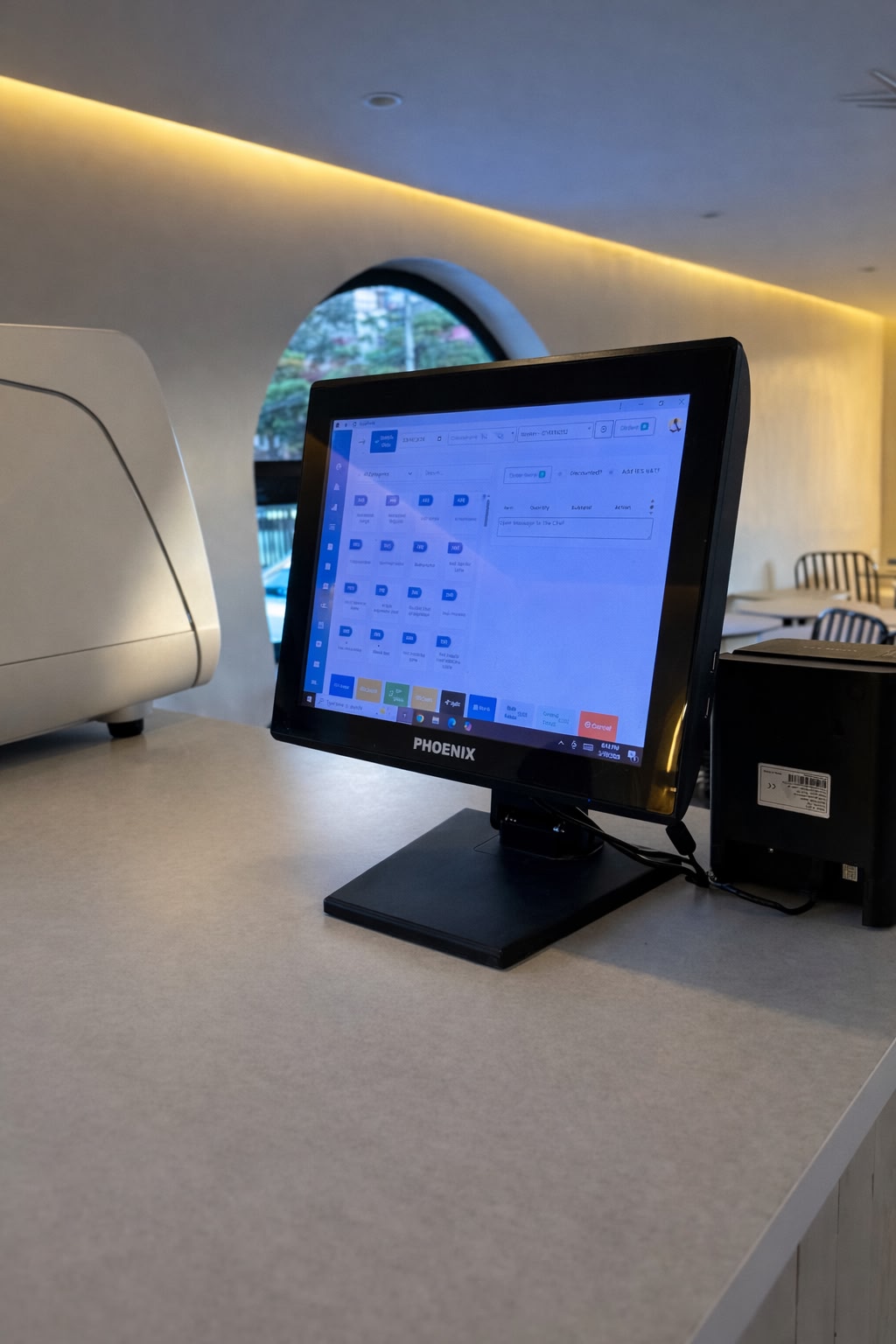
Instead of treating M-Pesa and your accounting as two separate systems, Cute Profit connects them. Our cloud-based POS and business management software is built specifically for the Kenyan market, meaning it natively integrates with your Lipa na M-Pesa Till or Paybill number.
Here is what happens when you use Cute Profit:
-
Instant Matching: When a customer pays via M-Pesa, Cute Profit instantly detects the payment through system integration. It automatically matches the M-Pesa confirmation to the exact invoice or sale on the spot. Zero manual entry is required.
-
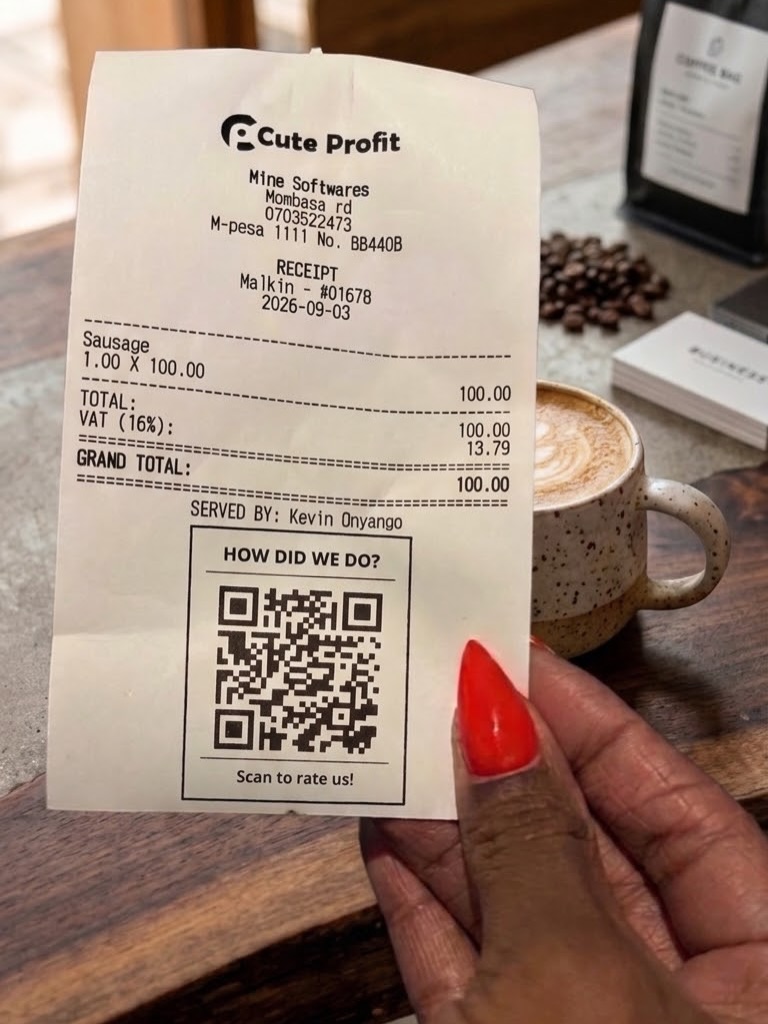
Automatic Receipting: The moment the payment is confirmed by the system, Cute Profit automatically generates and prints (or sends via SMS) the receipt. Your cashier doesn't have to manually verify the text message.
-
Real-Time Ledgers: Your cashbook and accounting ledgers are updated in real-time. You always know exactly how much money you have made at any given second.
Key Benefits of Automating with Cute Profit
Making the switch from manual to automated reconciliation transforms how you manage your shop, pharmacy, or service business:
-
100% Accuracy: Automation eradicates human error. Every shilling is accounted for perfectly.
-
Stop Leakage: Cashiers cannot complete a sale and print a receipt without the Cute Profit system verifying that the M-Pesa payment has actually hit your Till. This completely eliminates "fake text" scams and staff theft.
-
Always KRA-Ready: Because every single payment is tracked, categorized, and reconciled in real-time, your financial reports are always accurate. This makes complying with KRA regulations (like eTIMS) seamless and stress-free.
Stop Wasting Time on Manual Reconciliation
Your time as a business owner is incredibly valuable. Every hour you spend matching M-Pesa codes is an hour you lose building customer relationships, sourcing better stock, or spending time with your family.
Let the software do the heavy lifting.
Ready to automate your M-Pesa payments and take control of your business? [Book a Demo] to see our live Lipa na M-Pesa integration in action!
Ready to stop the chaos?
Track your inventory, stop employee theft, and automate your accounting with Cute Profit.
Get Started Today